How to Convert Images to WebP for Maximum Web Performance
Make your website faster, improve your SEO, and save bandwidth by switching to modern image formats — without sacrificing quality.
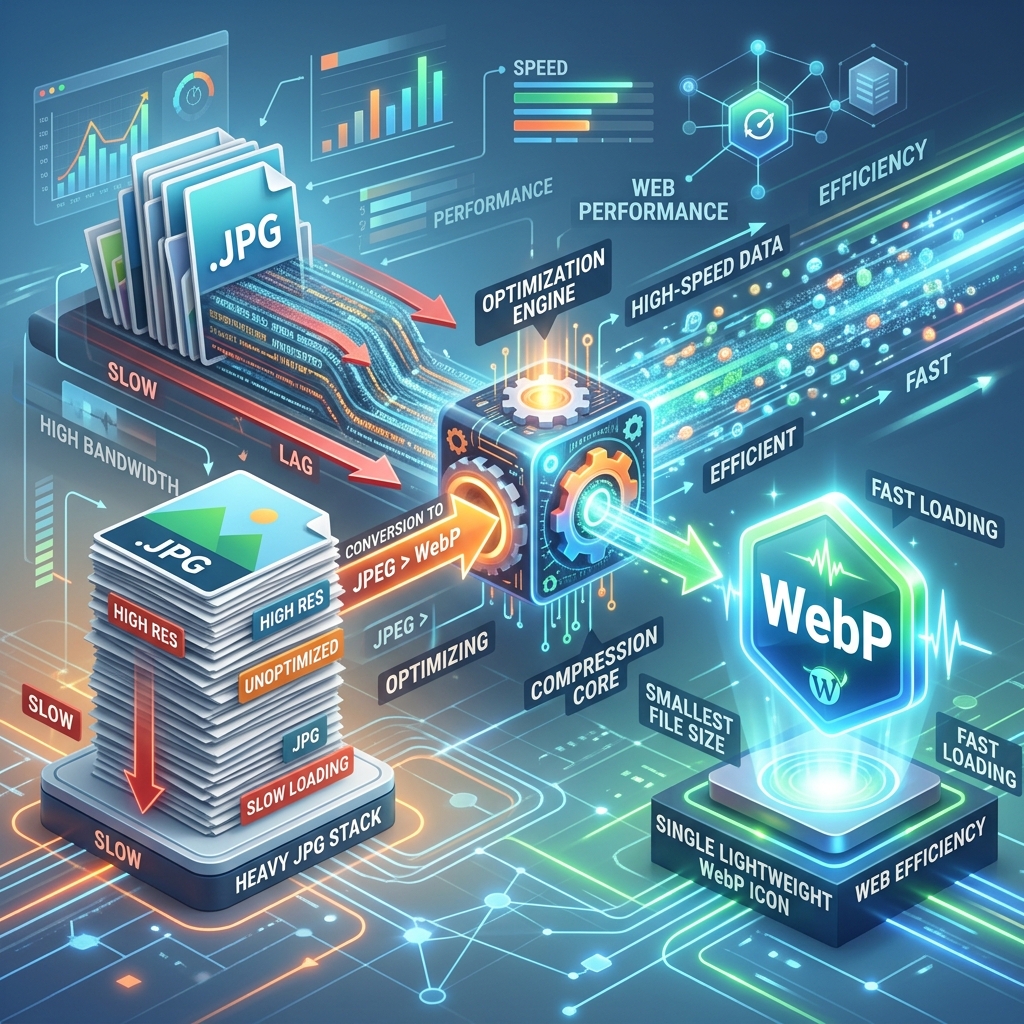
What is WebP and Why Does It Matter?
WebP is an image format created by Google that provides superior **lossless and lossy compression** for images on the web. It was designed to replace the aging JPG and PNG formats by offering much smaller file sizes while maintaining high visual fidelity.
For bloggers, web developers, and SEO specialists, WebP is no longer optional. Google's "Core Web Vitals" algorithm explicitly favors fast-loading sites, and heavy images are the #1 cause of slow page speeds. Converting your media library to WebP is one of the easiest ways to move up in the search results.
Superior Efficiency: The Science Behind WebP
WebP uses more advanced predictive coding to encode an image. While JPG was built in the 1990s, WebP uses technology adapted from the VP8 video codec to "guess" how pixel colors will change across an image, resulting in much less data needed to represent the same picture.
Best of all, WebP supports **transparency** (like PNG) and **animations** (like GIF) while being significantly smaller than both. It is the "Swiss Army Knife" of modern web imagery.
How to Convert Your Entire Image Library
Step 1 — Bulk Selection
Our JPG to WebP Tool supports batch processing. Drag dozens of JPG or PNG files into the tool simultaneously to save time.
Step 2 — Quality Profiling
For most websites, a quality setting of 75% to 80% is the "sweet spot". At this level, the file size drops dramatically, but the human eye can rarely perceive any difference from the original JPG.
Step 3 — Instant Processing & ZIP Export
Our tool converts the files in your browser locally. No uploading, no waiting. Once finished, download all your new WebP files as a single ZIP folder and swap them into your website's media library.
Key Advantages for Website Owners
- Lower Server Costs: Saving 30% on image size means 30% less bandwidth usage on your hosting plan.
- Higher SEO Rankings: Faster pages lead to better "Largest Contentful Paint" (LCP) scores.
- Improved UX: Users on mobile devices and slow 4G/5G connections will see your images load instantly.
- Standard Format: Supported by WordPress, Shopify, and all major CMS platforms.
Frequently asked questions
Can I convert PNG to WebP too?
Yes! WebP supports alpha channel transparency, making it the perfect replacement for heavy transparent PNG files, often reducing their size by 50% or more.
Is WebP good for printing?
WebP is optimized for screens and the internet. For high-end physical printing, we recommend keeping your original high-resolution JPG or TIFF files.
How do I view WebP files on my computer?
Most modern operating systems (Windows 10/11 and macOS) can view WebP files in the native "Photos" or "Preview" apps. If not, they will always open in any web browser.
Stop slow-loading pages today
Convert your media to WebP and give your users the fast experience they deserve.