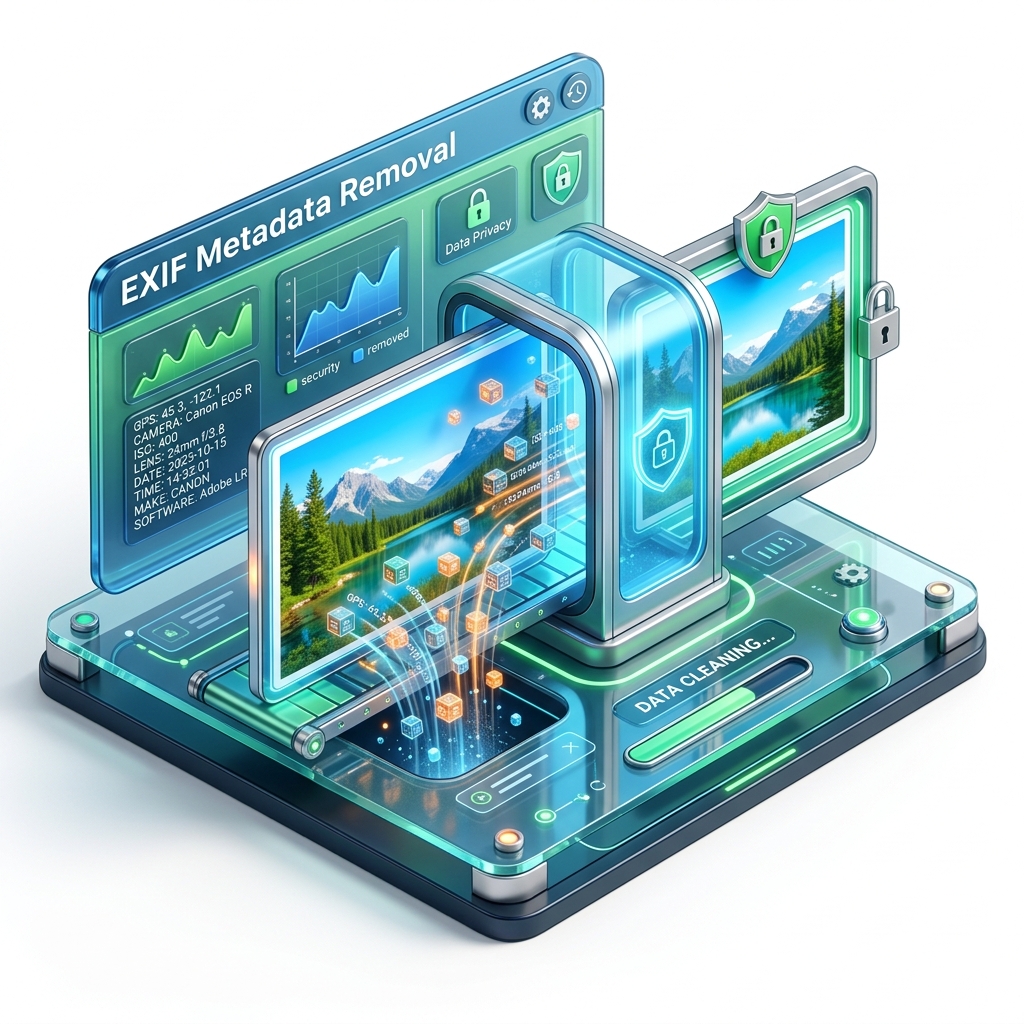
How to Remove EXIF Metadata from Photos Before Sharing

Every photo you take contains hidden data — including your GPS location. Here's how to remove it instantly and privately, without uploading your images anywhere.

What is EXIF data and why does it matter?

Every photo taken with a smartphone or digital camera contains a hidden block of data called EXIF (Exchangeable Image File Format). This metadata is embedded invisibly within the image file and can include:

  • 📍 GPS coordinates — exact location where the photo was taken, accurate to meters
  • 📅 Date and time — precise timestamp of capture
  • 📷 Camera model and serial number
  • ⚙️ Camera settings — ISO, aperture, shutter speed, focal length
  • 🖥️ Software — the app or OS that processed the image

This is useful data for photographers — but a serious privacy risk when photos are shared publicly, because anyone can extract it with free tools.

The real privacy risk

The most dangerous risk is location tracking. A photo taken at your home and shared online exposes your home address to anyone. Real cases have involved whistleblowers exposed by embedded coordinates, domestic abuse victims tracked to new locations via social media, and home addresses revealed through marketplace listings.

The safe habit: always strip EXIF data before sharing any raw image file.

Step-by-step: remove EXIF from your photos

Step 1 — Open the EXIF Remover

Go to our EXIF Remover tool. Your photos are never uploaded — everything runs locally in your browser.

Step 2 — Upload your photo

Drop your JPEG, PNG, or WebP image into the upload area. The tool reads the file locally and shows you a preview of all metadata embedded in it.

Step 3 — Review the metadata

You'll see the full EXIF data found in your photo — you may be surprised to find GPS coordinates pinpointing exactly where you were when you took it.

Step 4 — Strip and download

Click "Remove EXIF Data". The tool outputs a clean version of your image — same visual quality, zero hidden data. Download it and share safely.

Frequently asked questions

Does removing EXIF data affect image quality?

No. EXIF metadata is a separate header, not pixel data. Removing it has zero visual impact and can even slightly reduce file size.

Does Instagram remove EXIF data automatically?

Major social networks strip EXIF on upload. However, when you share images as raw files via email, WhatsApp, Telegram, or direct links, the metadata is usually preserved. Always strip it manually before sharing files directly.

Does Windows have a built-in EXIF remover?

Windows has a "Remove Properties" dialog in file properties, but it's incomplete. Our browser tool is more thorough and works on any OS without installation.

Is this tool private?

Yes — 100%. Your images are processed entirely client-side in your browser. We never receive, store, or see your photos.

Protect your privacy before sharing photos

Strip GPS coordinates and all hidden metadata in one click — free, private, and instant.

🛡️ Remove EXIF Data — Free