How to Split PDF Pages for Free: The Ultimate Guide
Discover how to extract pages or divide large PDF documents instantly in your browser — no uploads, no limits, total privacy.
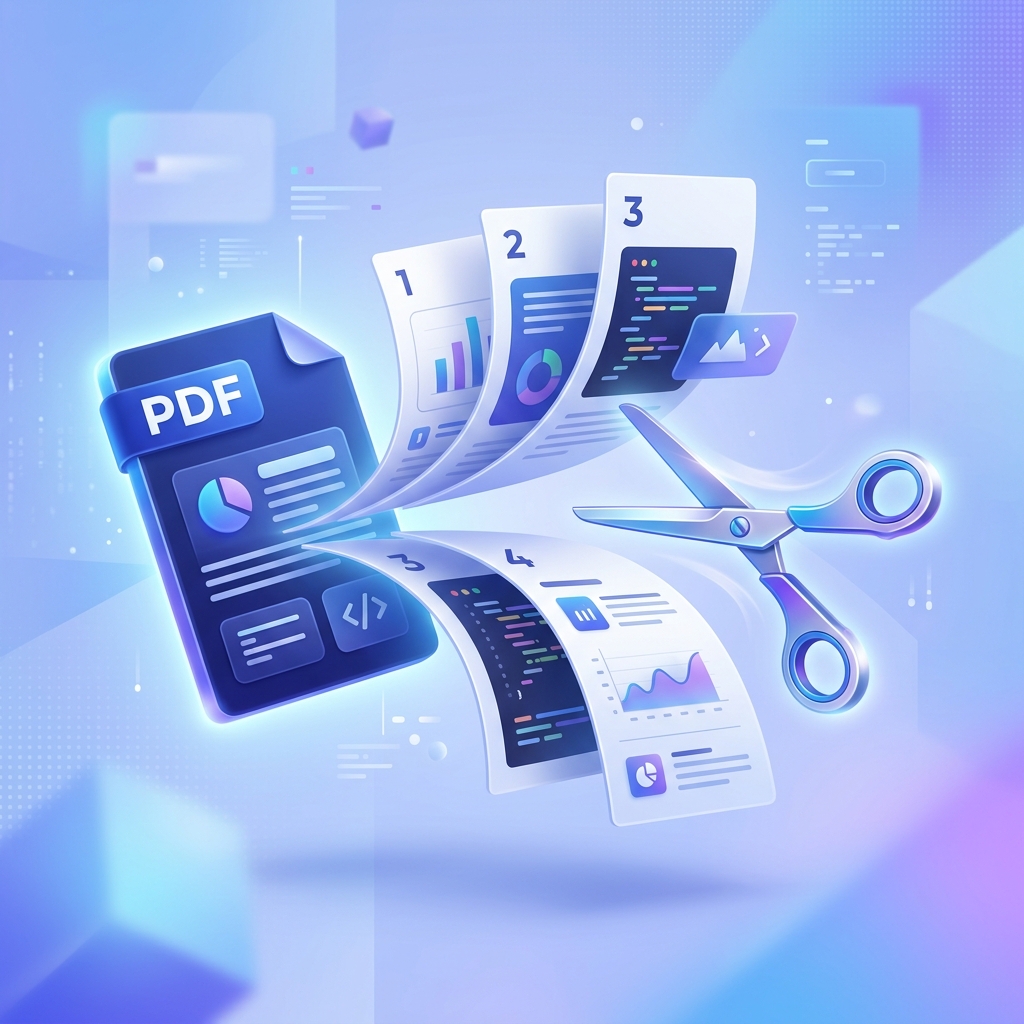
Why You Might Need to Split a PDF
Working with large PDF files can be cumbersome. Whether you are a student trying to extract a single chapter from a textbook, or a professional needing to separate individual invoices from a larger monthly statement, knowing how to split a PDF correctly is a vital digital skill.
Most people's first instinct is to use an online converter, but many of these tools pose security risks. At FreeTools, we believe your documents should remain your own, which is why we provide a browser-based solution that works entirely offline once the page is loaded.
Total Privacy: Why Client-Side PDF Splitting Matters
When you use a traditional "Cloud PDF" service, you are essentially sending your document to a stranger's server. For documents containing bank details, personal addresses, or confidential business plans, this is a major liability.
Our Split PDF tool uses the pdf-lib JavaScript library. This means the "splitting" logic runs inside your own browser tab. Your original file never touches our servers, making it impossible for anyone (including us) to see your content. It's safe, secure, and compliant with strict privacy standards.
Step-by-Step: How to Split Your PDF File
Step 1 — Upload Your Document
Go to our Split PDF Tool. Drag your file into the drop zone or click "Browse Files". Since there is no upload process, your file will appear instantly.
Step 2 — Preview and Selection
Once loaded, you will see a preview of your document. You have two main options:
- Split into individual files: Every single page will become its own PDF.
- Extract specific ranges: You can define ranges like "1-3, 5, 10-12" to extract only the parts you need.
Step 3 — Extract and Download
Click the "Split PDF" button. The tool will process your request in milliseconds. If you split into multiple files, they will be packaged into a single ZIP file for convenience. If you extracted a single range, a single PDF will be downloaded.
Key Features of our PDF Splitter
- Zero Uploads: Absolute privacy for your sensitive documents.
- Page Range Support: Extract exactly what you need with precision.
- Instant Processing: No "waiting for upload" or "processing" bars over 2 seconds.
- ZIP Packaging: Efficient handling of bulk page extraction.
Frequently asked questions
Is there a file size limit?
We recommend files under 50 MB for the best performance in the browser, although larger files will work depending on your computer's RAM.
Can I split password-protected PDFs?
Yes, as long as you know the password. You will need to use our Unlock PDF tool first to remove the encryption before splitting.
Does splitting a PDF reduce its quality?
No. Splitting is a structural change. The internal content (images, text, vector paths) remains exactly the same as the original.