How to Combine Multiple PDFs Into One File
Your step-by-step guide to seamlessly mapping, ordering, and joining multiple PDF documents together safely inside your own browser.
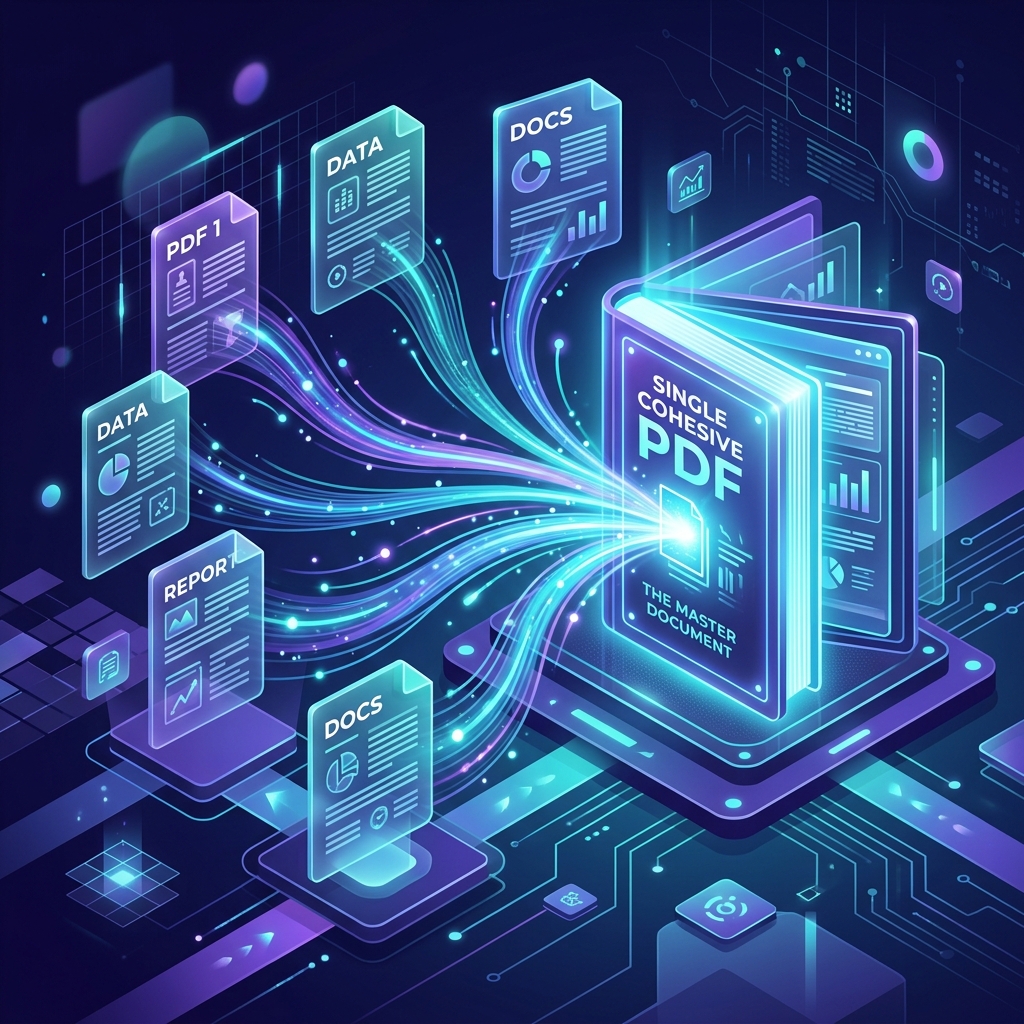
The Problem with Cloud-based PDF Mergers
Whether you're compiling monthly financial reports, assembling a portfolio, or sending signed contracts, combining multiple PDF pages into a single file is a daily necessary task for digital workers.
However, when you search for "merge PDF" online, virtually all standard tools require you to upload your sensitive PDFs into their cloud servers. This exposes confidential data, opens risks for data-breaches, and takes unnecessarily long times when dealing with large high-resolution files.
Using Client-Side browser tools solves this risk natively. The entire data processing occurs offline in your machine using modern Javascript capabilities.
Step-by-Step Guide to Safely Combine PDFs
We've developed a highly optimized, no-upload PDF compiler. Here is how to use it safely:
Step 1 — Access the Secure Merger Tool
Open our Merge PDF Tool. Because it's powered entirely by your browser's processor, it loads instantly and functions perfectly even if you turn off your Wi-Fi immediately after loading it.
Step 2 — Select Your PDF Files
Hit the "Browse" button or drag and drop your various PDF files straight into the drop zone area. You can upload as many files as you need simultaneously without experiencing restrictive MB limits commonly hit on cloud counterparts.
Step 3 — Reorder Them Visually
Once imported, the dashboard will populate with interactive chips showing your individual PDF names. You can drag these items around to re-order them and set the precise page order. The top item will become the first pages, followed by the rest downwards.
Step 4 — Merge and Download!
Click the "Merge PDFs" button. Because no files are being uploaded or downloaded from an external server, your newly bound PDF generates and saves to your local hard drive usually in under three seconds.
Frequently asked questions
Does the merger reduce the text quality?
Absolutely not. Merging PDFs via our tool simply appends the binary document structures together without rasterizing or re-compressing the graphics. The structural integrity and resolution of text, vector shapes, or HD photos remains native and identical to your source files.
Are there upload size limits?
Since nothing is actually uploaded, there are no artificial MB caps. The only technical hurdle is your local computer's available RAM. Modern devices can comfortably merge large 500MB textbooks natively in real-time.
Who reads my documents?
We don't. The codebase (`pdf-lib`) binds your PDF pages purely inside your system's memory. No third party tracker or external API intersects your data. Perfect for corporate NDAs, legal forms, or tax returns.
Try the Local Merger Environment Now
Stop paying expensive subscriptions for basic PDF combinations and avoid uploading your files to random servers. It is all readily available within your browser right now.
📚 Launch Private Merger Sandbox